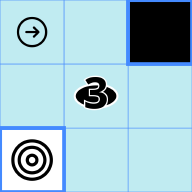
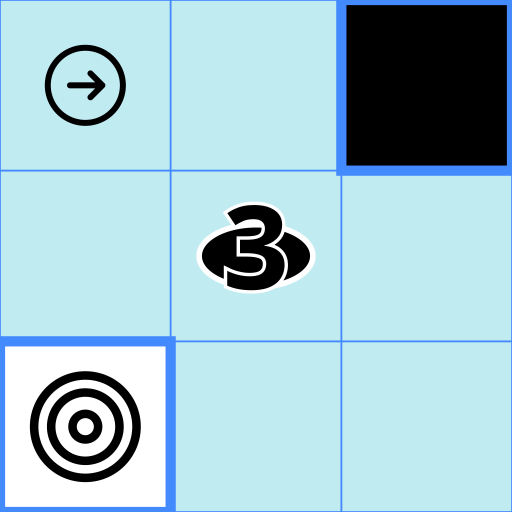
A grid-based logic puzzle
Color each cell black or white… and give your brain a workout.
Get Some Puzzles
In this game, your aim is to color the cells of the grid in black or white.
To know which cell has to be which color, you have to follow some constraints (rules are explained below).
Click (or touch on mobile) a cell to change its color. You can also drag across cells to paint several of them in one gesture.
Some cells can be already filled and you won't be able to change them, they are indicated by a thicker inside border.
You will not be shown when you make a mistake but when the grid is filled, your solution is checked. If you won, another puzzle will start immediately. If you made a mistake, the corresponding constraint will be highlighted and you will be able to change your solution.
If you are stuck, several buttons are available in the top bar: Hint (the lightbulb icon, see the Hints section below), Undo (reverts your last move), Restart (resets the grid to its initial state) and Pause. In manual validation mode, a Validate button on a green background also appears once the grid is filled.
While playing, your timing is recorded (see the Stats section below). If needed, the game can be paused and resumed.
There are about 25,000 puzzles bundled within the app. The puzzles you already solved won't show up anymore, and you'll see your progress below the puzzle.
The main menu (icon in the top-left) also offers, while a puzzle is in progress: Next puzzle (skip to the next one), Save progress (set this one aside in a dedicated playlist to resume later) and Share puzzle (send the current puzzle to someone).